
Cambium cnMaestro: linking and diagnostics
Free module with no monthly fee: configure OAuth, associate Cambium brands, and inspect customer equipment and radio health.
Last updated: 2026-09-23
Purpose
Cambium cnMaestro links customer equipment already known to ISP Billing with live vendor diagnostics. It does not bulk-import the entire cloud inventory and does not replace ISP Dude continuous monitoring.
The provider is queried only when an operator opens or explicitly searches one MAC, keeping the local customer and service assignment as the starting point.
Three mandatory conditions
A device link appears only when the cnMaestro module and read permission are available, the equipment brand is explicitly associated with cnMaestro, and the local item has a valid MAC address.
A serial number does not replace the MAC. When the same MAC exists in Warehouse and ISP Dude, the customer-assigned Warehouse record takes precedence in the canonical list.
OAuth configuration
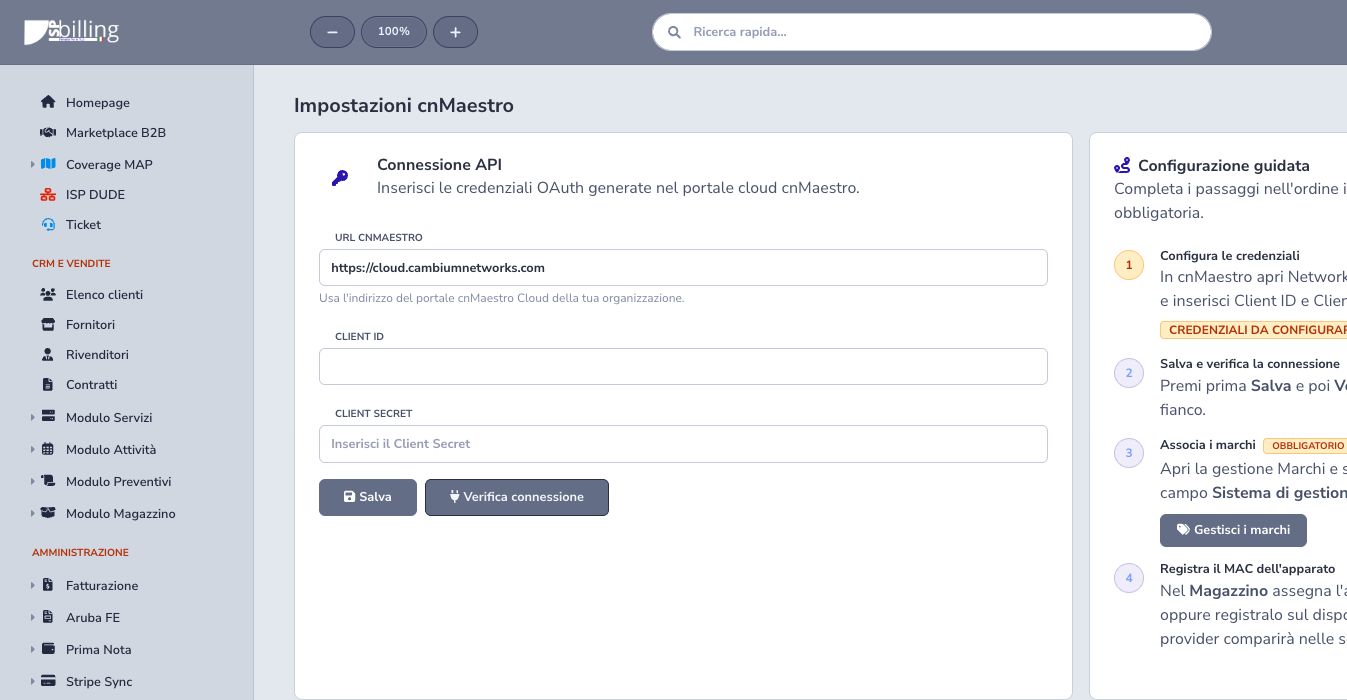
Create a dedicated API Client under cnMaestro Network Services, then enter the correct server URL, Client ID, and Client Secret. Save first and run the connection test.
For a controlled internal server using a self-signed certificate, enable Allow self-signed certificate. Transport remains encrypted, but server identity is not verified, so this option must only be used on trusted infrastructure. The saved secret is never returned to the interface.
Associate Cambium brands
Edit each applicable Warehouse brand and select Cambium cnMaestro as its hardware-management system. The association is explicit and is never inferred from brand text, article name, or device model.
Review existing articles and customer assignments before changing a widely used brand, because the provider link for every related device can change.
Register the MAC
Store the normalized MAC on the customer’s Warehouse assignment or on the ISP Dude device together with the cnMaestro-linked brand. Direct service assignments and referenced assignments are recognized without changing billing.
Verify label, enclosure, provisioning record, and vendor console before saving. A copied AP MAC, radio MAC, or management MAC may identify a different remote object.
Device list and MAC search
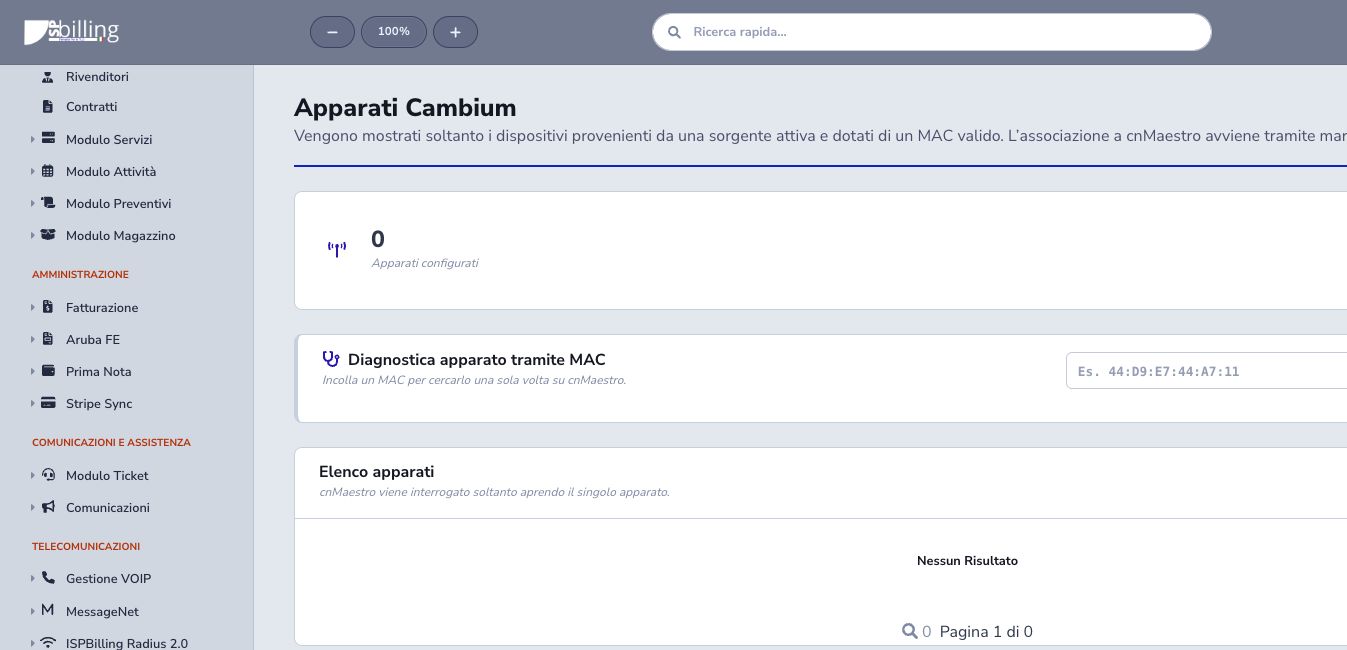
The device list is built from local assignments and remains available when the provider is temporarily unreachable. It does not perform a mass cloud query.
The diagnostic first tries the stored MAC. Only when cnMaestro reports that the device does not exist, the ePMP lookup also tries the LAN MAC immediately preceding the wireless MAC. The local value is not changed, and a confirmed match displays both addresses. Authentication, certificate, network, and server errors never trigger the fallback.
Device detail
Detail combines customer and service assignment with online state, hardware, software, network addresses, Ethernet link, radio values, and statistics. For ePMP devices it shows serial number, uptime, last update, current radio throughput, LAN state and negotiation, directional RSSI/SNR, MCS, retransmissions, drops, distance, and antenna gain when cnMaestro returns them.
Uptime is the duration of the current state, while Last contact comes from the latest synchronization reported by the provider. Radio throughput does not represent Ethernet-port traffic. LAN down, sub-gigabit negotiation, or half duplex may require attention according to the actual model capabilities.
Cache, rate limits, and missing data
A short tenant-isolated cache reduces repeated vendor calls and protects rate limits. Use refresh only when current data is operationally necessary; a cached observation must retain its timestamp.
Missing fields are not invented. Passwords, tokens, communities, PPPoE/Radius credentials, and other sensitive fields are filtered before display and caching.
Operational limits
The integration is read-only. Configuration changes, firmware updates, adoption, and other device-management operations remain in cnMaestro. Credentials and secret fields are filtered from returned data.
Use ISP Dude for ongoing availability and alerts, Radius for authentication and sessions, and cnMaestro detail for vendor diagnostics. These sources complement one another and must not be treated as interchangeable.
Checklist
- Create a dedicated API Client
- Save and test OAuth
- Track credential ownership and expiry
- Associate the correct Warehouse brand
- Register and normalize the real device MAC
- Verify customer and service assignment
- Use one-shot diagnostics only when needed
- Interpret LAN and radio values by model
- Respect timestamps, cache, and rate limits
- Keep missing fields explicit
- Use cnMaestro as read-only diagnostics