
ISP Radius 2.0: complete setup and operations
Configure servers, NAS, pools, profiles, and accounts, then monitor sessions, traffic, SNMP, and automation.
Last updated: 2026-09-25
PPPoE and VPN connections in the customer dashboard
In the customer dashboard, under Linked module accounts → Radius 2.0 accounts, a green smiling face indicates that all active PPPoE and VPN connections are ONLINE. If at least one is OFFLINE, the face turns red and compact text in a smaller font separates PPPoE and VPN online/offline counts, using singular or plural as appropriate. For example: 5 PPPoE are OFFLINE and One VPN is ONLINE. No VPN wording is shown when the customer has no VPN accounts.
The summary covers every active PPPoE and VPN account belonging to the customer, including later pages, with separate counts for each type. Inactive accounts, including suspended and terminated accounts, are excluded without displaying an additional note; internal-use accounts are not included. A type with no accounts is hidden; a type with only inactive accounts displays a neutral message. Unavailable status is reported without treating it as offline. The face is red when at least one active connection of either type is confirmed offline; otherwise it is neutral if any status is unavailable, or green if all connections are online.
Expanding the section replaces the summary with the existing account list, search, addresses, and pagination. Only a dot is added inside the PPPoE or VPN badge, next to the type label: green for online, red for offline, and grey when status is unavailable. Hover over the dot to read the status. Administrative icons remain separate from connection status. Status is refreshed when the dashboard loads, the section opens, or the search or page changes; collapsing the section restores the summary.
Read access to both CRM and Radius 2.0 is required. Offline means a connection needs checking; it does not by itself prove a fault. Open the account detail to investigate. Viewing this information does not change accounts, profiles, or connections.
Correct setup order
ISP Radius 2.0 connects a commercial service to real network authentication. Prepare the Radius database connection, NAS entries, optional IP pools, realms, profiles, and general rules before creating customer accounts.
A credential stored in ISP Billing does not prove PPPoE access works: the NAS must reach the server, share the same secret, send accounting, and understand returned attributes.
Radius server and security
Server settings contain the Radius database host, database, user, and password. The primary fallback server, API port, and Reboot API Key support the remote operations provided by the installation. Use a dedicated limited database user and firewall the allowed application network.
Test SQL connectivity, server reachability, and permissions separately. Do not expose database, API, or accounting ports without filtering.
NAS configuration
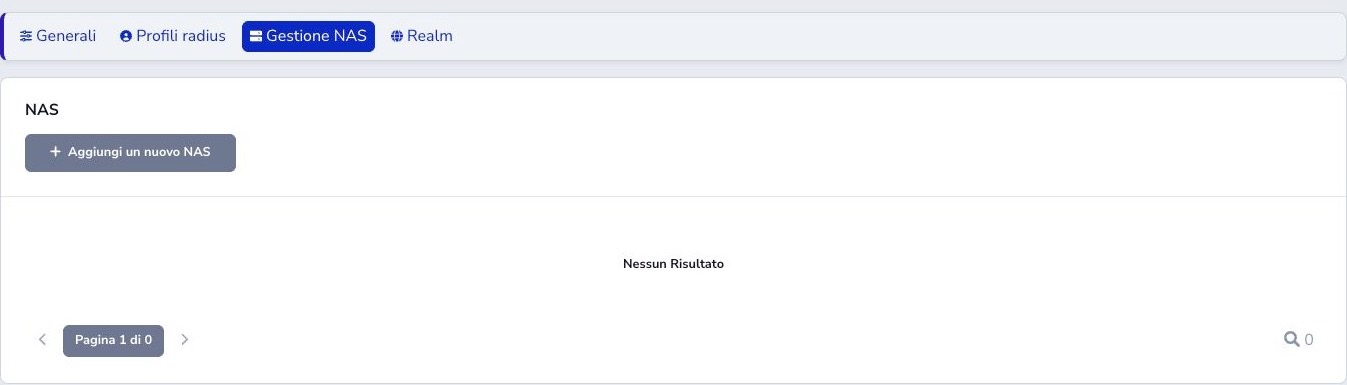
Register every PPPoE concentrator or router that queries Radius. The IP must be the source seen by the server; name and description identify the unit; type describes the vendor; port normally identifies authentication; secret must match at both ends. Server and community are optional infrastructure fields.
When NAT is present, register the actual observed source. Editing updates the NAS already associated with the same ISP even when values remain unchanged, without creating a second copy. Run a controlled authentication and inspect the access request and session.
IPv4 and IPv6 pools
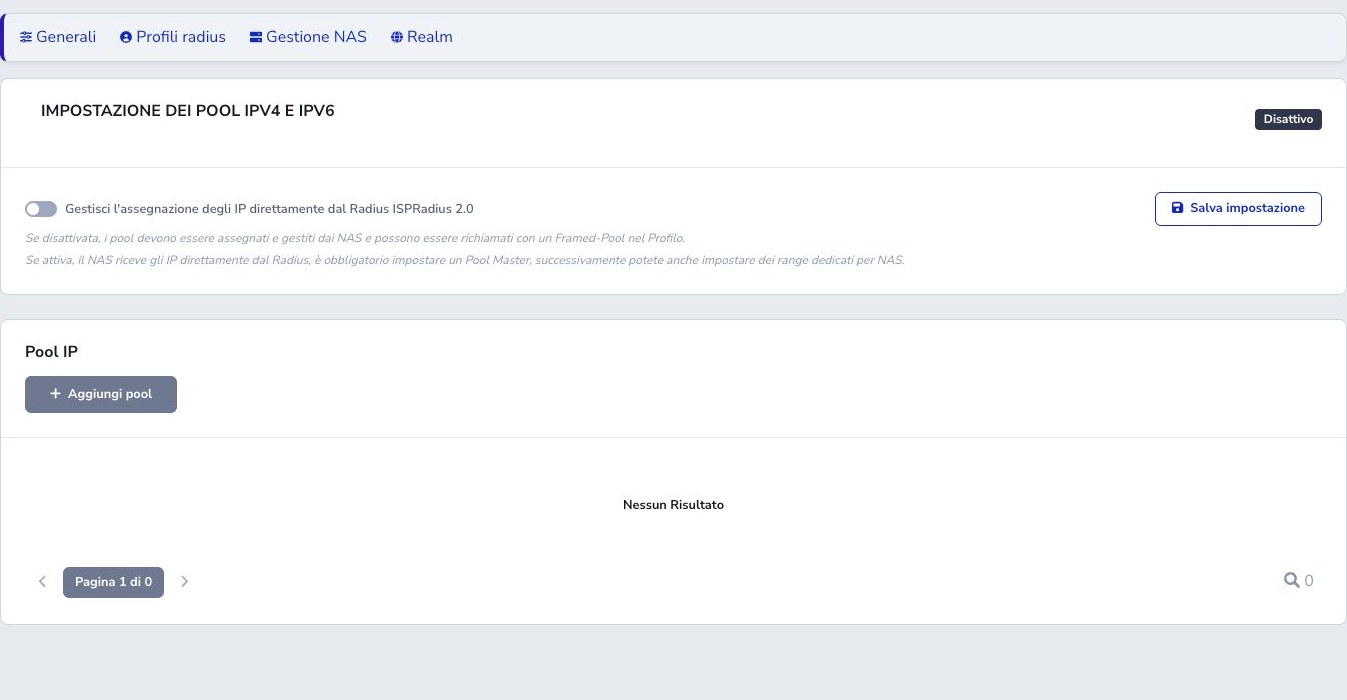
With local management disabled, the NAS assigns addresses and a profile may return Framed-Pool. When enabled, ISP Radius 2.0 assigns addresses: the first Master pool is mandatory and later pools may be limited to selected NAS devices.
Names cannot contain spaces. IPv4 ranges must not overlap DHCP, management, or other pools. IPv6 supports prefix ranges and a calculator that divides a base prefix; verify capacity, assigned-prefix size, and delegation before production.
Profiles and Radius attributes
A profile is a reusable group of attributes. Every row has attribute, operator, and value. := sets or replaces a value; other operators have different Radius semantics and must match the NAS dictionary.
Profiles may include vendor speed controls, Framed-Pool, timeouts, filters, and a linked parental-control profile. Review the account count before editing a used profile; Move accounts provides an explicit migration.
Disabling and reactivating a profile
Under Settings → Profiles, operators with module management permission can use Disable and Reactivate. The Status column and filter distinguish active and disabled profiles.
Disabling a profile removes it from new assignments: it is not offered for new accounts, account profile changes, or as a Move accounts destination. Accounts already using it retain their profile and connections stay unchanged. When editing one of these accounts, its current profile remains labelled disabled, already assigned and can be retained while saving other fields.
Availability is checked again when saving, including forms opened before the profile was disabled. If a new assignment is rejected, choose an active profile or reactivate the required profile. Disabling a profile does not suspend accounts or change Radius server settings.
Duplicating a profile
Choose Duplicate from the profile actions menu. A form opens with the attributes, operators, values, and parental-control settings saved for the source profile. The suggested name ends in -copia: enter a name different from existing profiles, review the settings, and press Save.
The copy is created only when saved, as a new active profile even if the source is disabled. It has no associated accounts and leaves the original profile unchanged. If the name is already taken, choose another one and retry. The link to the parental-control profile is retained; that linked profile is not duplicated.
Deleting an unused profile
Delete is available only to operators with management permission and only when the profile has no associated accounts, including suspended or terminated accounts, and is not referenced by another profile for parental control or by the suspension and termination settings.
The On 0 Accounts counter represents direct assignments: a settings reference can still prevent deletion. In that case the list shows the reason. If the profile is still in use, choose Disable to exclude it from new assignments while preserving existing accounts.
Usage is checked again before deletion, including requests from an older open page. Any remaining account assignments on Radius also prevent deletion. For an unused profile, confirmation permanently deletes the complete profile and its attributes from Radius as well. If the server cannot be reached, the profile is not deleted.
PPPoE realm
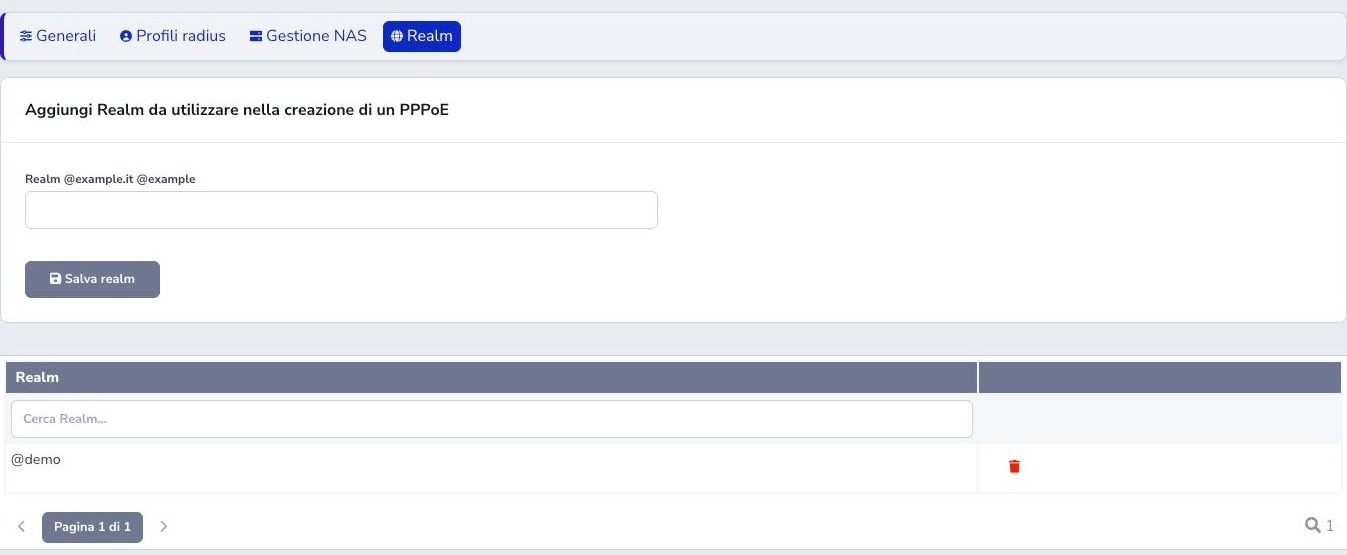
A realm is the username suffix, such as @isp.example. Create it before accounts when required and keep CPE, concentrator, and routing rules consistent. Do not add the at-sign twice or change a deployed realm without migration.
Accounts and services
Select customer and installation address, then set username, password, profile, and state. The button beside the login can build a lowercase customercode-ID@realm value: during creation it shows [id] as a preview and inserts the actual Radius account ID when saving; during editing it immediately uses the existing ID. A later manual edit disables automatic generation.
The password button creates a random 16-character credential containing uppercase letters, lowercase letters, and digits. The field is treated as a Radius credential rather than a password for this administration site. The customer service remains the commercial reference while the Radius account controls technical access.
Use unique credentials and the correct IP policy. Disconnect ends only the current session; suspend, activate, and terminate change account lifecycle and are not interchangeable.
Dashboard, sessions, and diagnostics
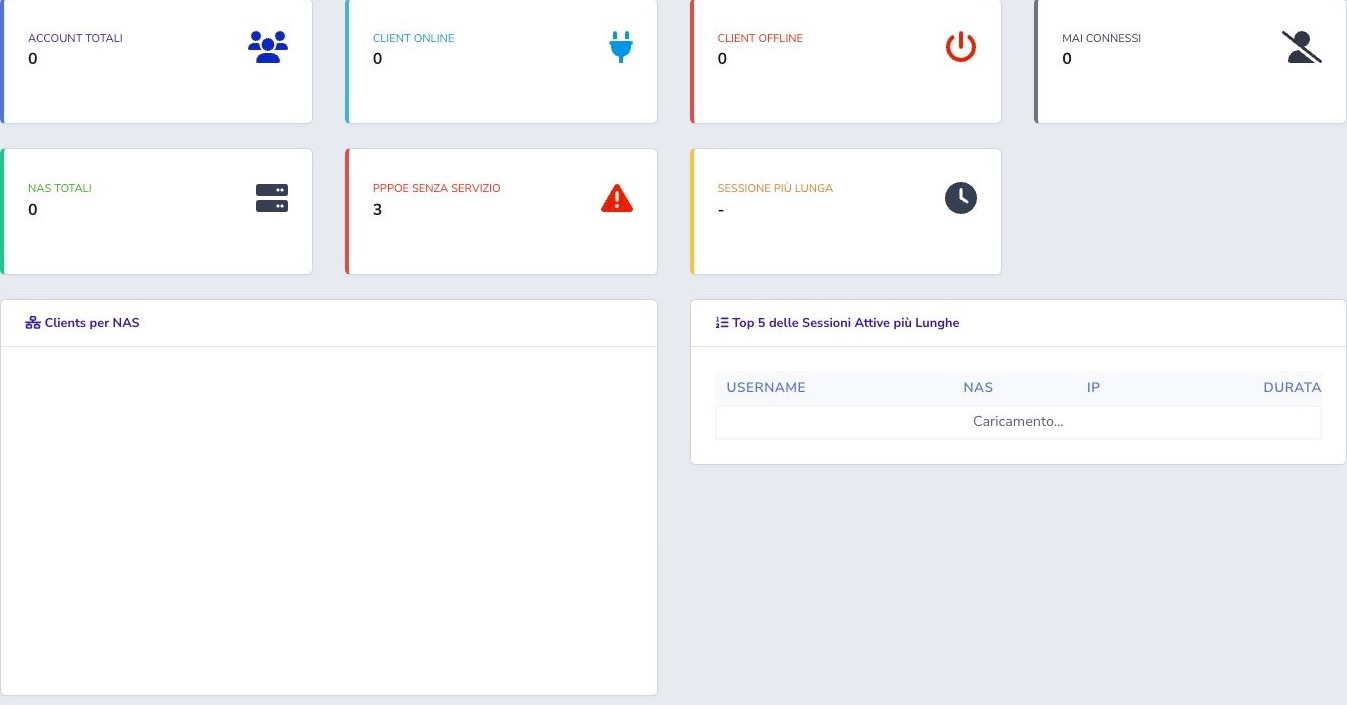
The dashboard separates total, online, offline, never-connected, NAS, PPPoE without service, and longest sessions. Never-connected means no first session; offline has history but no current session; unbilled active accounts require commercial review.
Sessions and access requests expose times, NAS, addresses, traffic, and authentication outcomes. In session history, NAS IP matches the complete address, while Client IP performs a contains search and can also accept only a prefix, for example 10.230.1.; Active during interval accepts dates, hours, minutes, and seconds and returns sessions overlapping that period, including sessions started earlier and still open.
Export with holder data builds a PDF or Excel file in the background containing PPPoE, time evidence, Client IP, holder, configured tax identifiers, and installation address. It always requires a range no longer than 24 hours and either NAS IP or Client IP; Client IP may be a complete address or an IPv4 prefix, with % allowed only at the end. The card below the table reports processing and download availability until nightly cleanup. For online sessions, duration is derived from the start time until the Radius counter arrives; unavailable traffic counters are displayed as 0 B.
Traffic becomes effective when the NAS sends Interim-Updates and FreeRADIUS updates radacct. Export only necessary ranges and protect the files because they contain subscriber and usage data.
SNMP, Edge Agent, and automatic monitoring
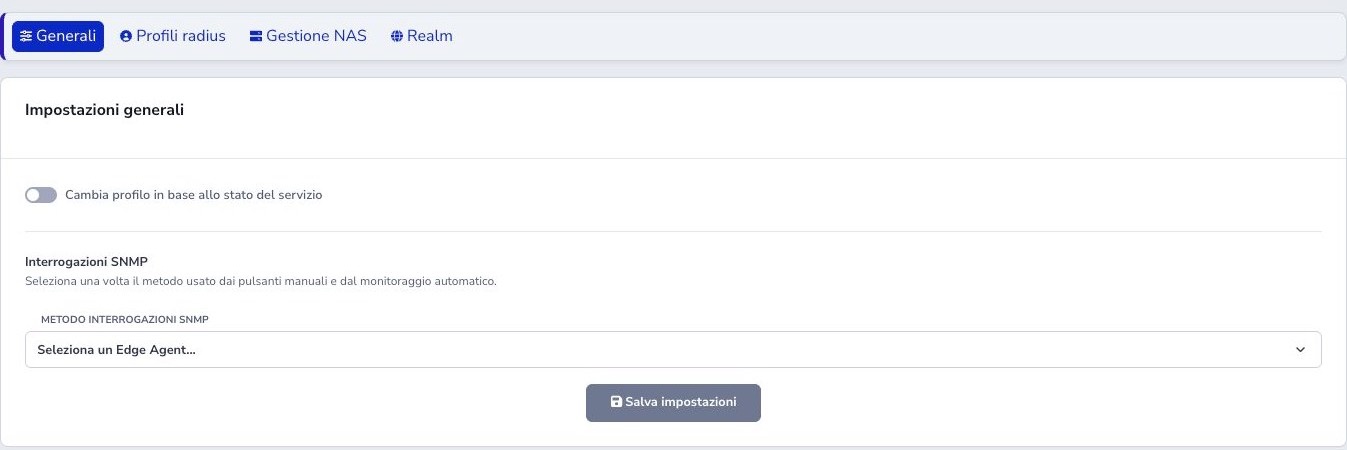
General settings select the SNMP method used by both manual buttons and automatic monitoring. An Edge Agent can query a private network without exposing equipment to the cloud. Register and authorize the Agent first, then select it in Radius.
Community, version, credentials, and OIDs must match the vendor. Restrict SNMP sources, prefer SNMPv3 where available, and do not interpret a timeout as proof that the Radius account is offline.
General state profiles
General settings can map separate profiles to Suspended and Terminated services. Create and test both profiles first, then verify that reactivation restores the correct commercial profile. Keep service and account state authoritative rather than using the restricted profile as the only state record.
SNMP queries and snapshots
Select the device type and set the visible per-account community in the SNMP panel. It initially defaults to public and is used by both the classic MikroTik API path and the Edge Agent after saving the account. Ubiquiti, MikroTik, Albentia, Huawei, and Cambium ePMP use one centrally managed OID catalog; optional overrides may be scoped to one ISP.
By default, Verify uses the address of an online PPPoE session and never queries the last address from a closed session. For a bridged CPE, enable Query a different IP, enter its static address, and press OK: live checks, saved verification, Edge Agent, MikroTik, and monitoring use the stored target even while PPPoE is offline. Disable the flag and confirm to delete the override and restore the online-session rule.
Generic runs ten pings only; a specific device type adds SNMP independently. A manual query stores a valid sample, while the automatic page-load reading remains unsaved. No SNMP response discards connectivity data: check address, routing, firewall, version, community, and device type.
Albentia SNMP readings
Device Uptime is the time since the device started; Link Uptime is the time the radio link has been active. Both display days (g), hours (h), minutes (m), and seconds (s); they do not necessarily match the PPPoE session duration.
Receive and transmit signal levels use dBm, CINR uses dB, and device temperature uses °C, with two decimal places. Frequency remains in MHz.
Stato LAN shows whether the Ethernet port is connected (Collegata) or disconnected (Scollegata); N/D or N/A mean the status is unavailable. This describes the physical port link.
Velocità LAN shows the Ethernet speed reported by the device, such as 100 Mbps or 1 Gbps, when the port can be identified and its readings are consistent. A disconnected port or unavailable reading displays N/D. Port speed does not measure the Internet connection speed. In History, the LAN Speed column shows the value stored in each sample; a dash means that sample does not contain a speed reading.
New readings and newly saved samples use these formats; older saved samples may retain their original format.
Temporary SNMP monitoring
Temporary monitoring is deliberately started by an operator. It collects and stores up to twenty samples at the selected interval so CPE stability and anomalies can be compared. Choose a cadence that provides useful evidence without overloading the Agent or network equipment.
The scheduler queues Edge Agent work when that method is selected and closes the monitor after its run limit. Closing the browser does not cancel scheduled collection. Review missed runs, Agent availability, stored snapshots, and the final state rather than relying only on the monitor’s creation message.
Metrics and session exports
Account detail calculates thirty-day connection metrics and filters session history. Background CSV/XLSX export requires a start- or stop-time range and publishes the completed file in a dedicated download list. Treat accounting files as sensitive usage data and apply access and retention controls.
Credentials and customer communications
Credential delivery uses the account’s linked customer and the templates configured for this communication. Before sending, verify the recipient, customer, username, realm, instructions, and whether the chosen channel is authorized. Never include administrative database, NAS, API, or SNMP secrets.
If credentials are changed, coordinate the CPE or router update and test a new authentication. A delivered email proves only transmission of the message, not that the access device has been reconfigured successfully.
Scheduled Radius database maintenance
Database maintenance runs from the command line or scheduler. It assigns the correct ISP ownership to accounting and post-authentication rows, removes post-auth records older than the configured short operational window, and closes older duplicate sessions that remained open.
A separate scheduled process executes automatic SNMP monitoring. Configure these jobs in the intended environment, prevent overlapping runs with their lock mechanism, and monitor exit status, timestamps, logs, row counts, and repeated failures. Do not run ad-hoc cleanup queries against the Radius database as a substitute for the supported process.
Customer Area and API
Customer widgets expose only permitted account and connection data. Public APIs support list, detail, create, update, delete, disconnect, suspend, activate, terminate, and traffic status; profiles are readable with their attributes.
Separate read and management permissions, make integrations idempotent, verify effects in the operational module, and never expose Radius passwords.
Checklist
- Protect Radius database and APIs
- Register every NAS with correct source IP and secret
- Choose who assigns addresses
- Avoid IPv4/IPv6 pool overlap
- Understand profile operators and attributes
- Define realms before accounts
- Link account, customer, address, and service
- Distinguish disconnect from suspension
- Review never-connected and unlinked PPPoE accounts
- Configure SNMP and Agent with least privilege