
Resellers and restricted area
Configure reseller identity, permissions, customers, commissions, statements, credit balance, warehouse visibility, and contracts across administration and portal.
Last updated: 2026-09-05
Scope and identity model
Administration owns reseller identity, permissions, default commission rules, assigned customers, warehouse sites, commissions, statements, and credit balance. The Customer Area adds a Reseller workspace whose visibility and actions derive from those settings.
A reseller also needs a CRM customer record and a linked Customer Area account. That authentication customer is not automatically one of the reseller’s downstream customers.
Configure reseller identity
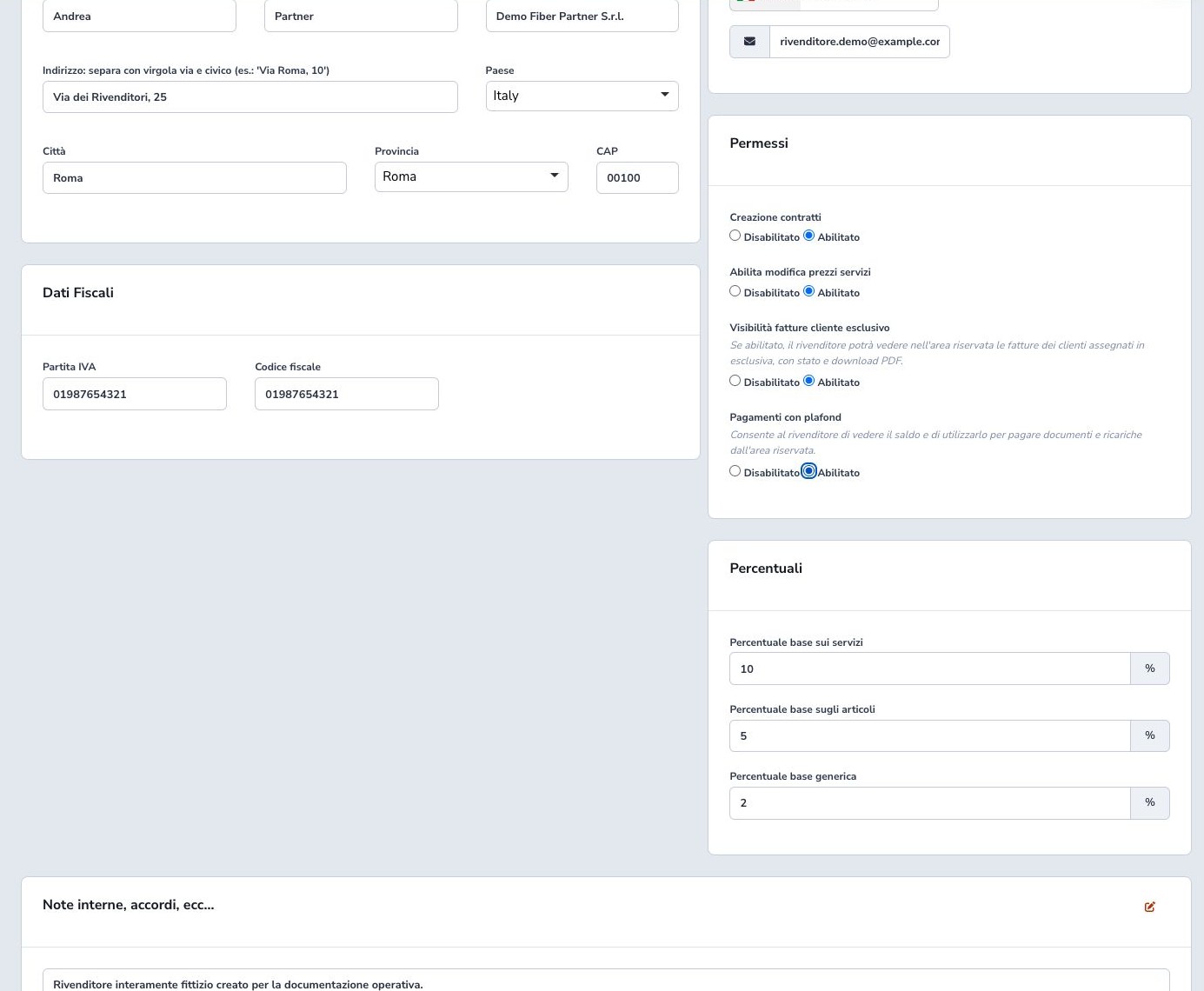
Complete contact person, legal or trading name, address, country, tax identifier, telephone, email, and only the operational notes required for the relationship. Use data belonging to the reseller organization rather than a downstream customer.
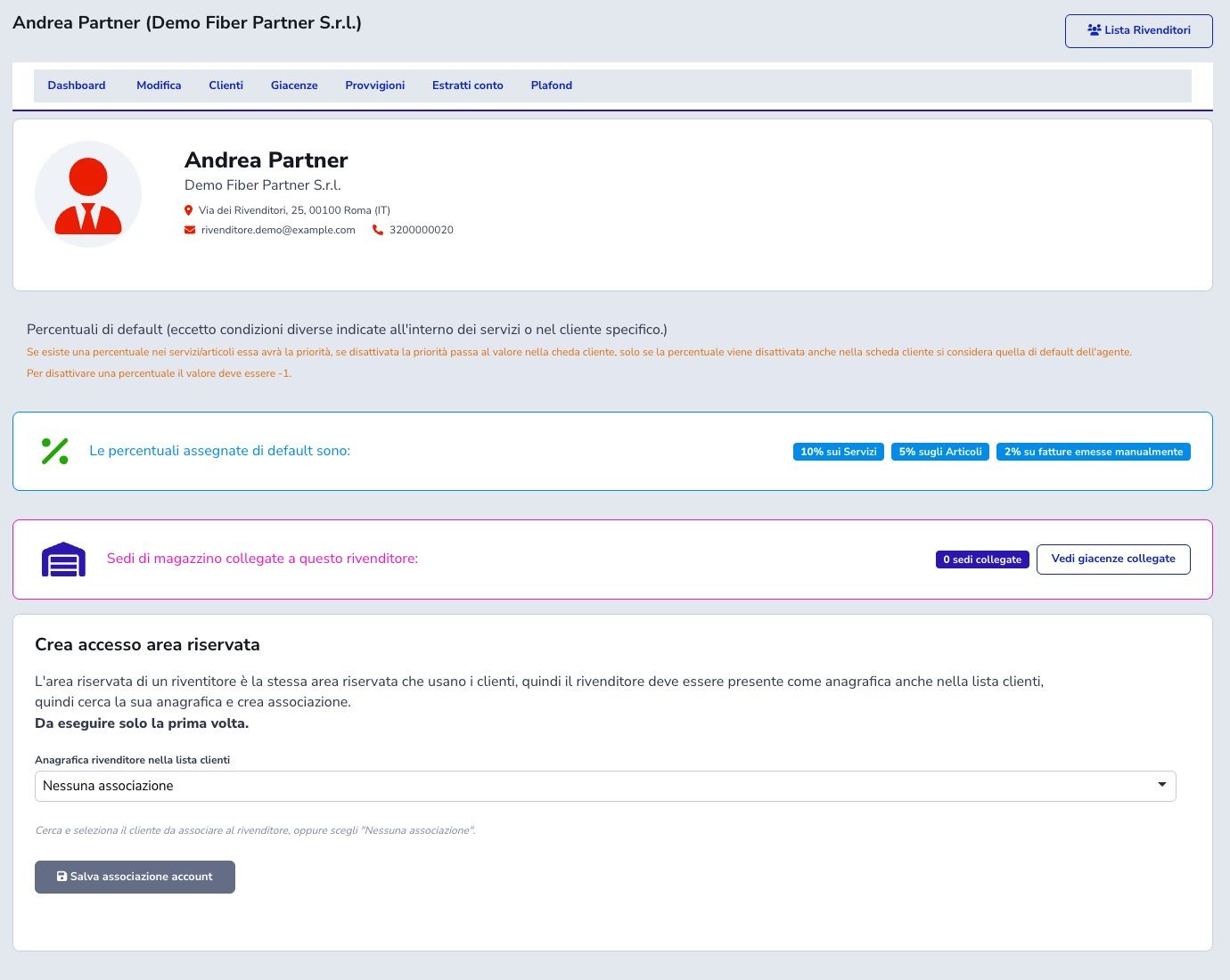
Save the identity first, then open its Dashboard to verify the reseller code, CRM association area, customer scope, warehouse sites, and financial summaries.
Data, permissions, and percentages
Enable contract creation, service-price changes, exclusive-customer invoice visibility, and credit-balance payments independently. Each permission expands what the reseller may do on behalf of assigned customers and should reflect the commercial agreement.
Define default commission rates for services, products, and generic or manual invoices only after deciding the VAT-exclusive base, accrual event, rounding, exceptions, and approval process. Zero is an explicit zero rate, while the supported disabled value allows fallback to another rule.
Commission precedence
A service or product rule has first priority, a customer-specific rule comes next, and the reseller default is the final fallback. A value of -1 disables that level and allows fallback; zero is an explicit zero rate.
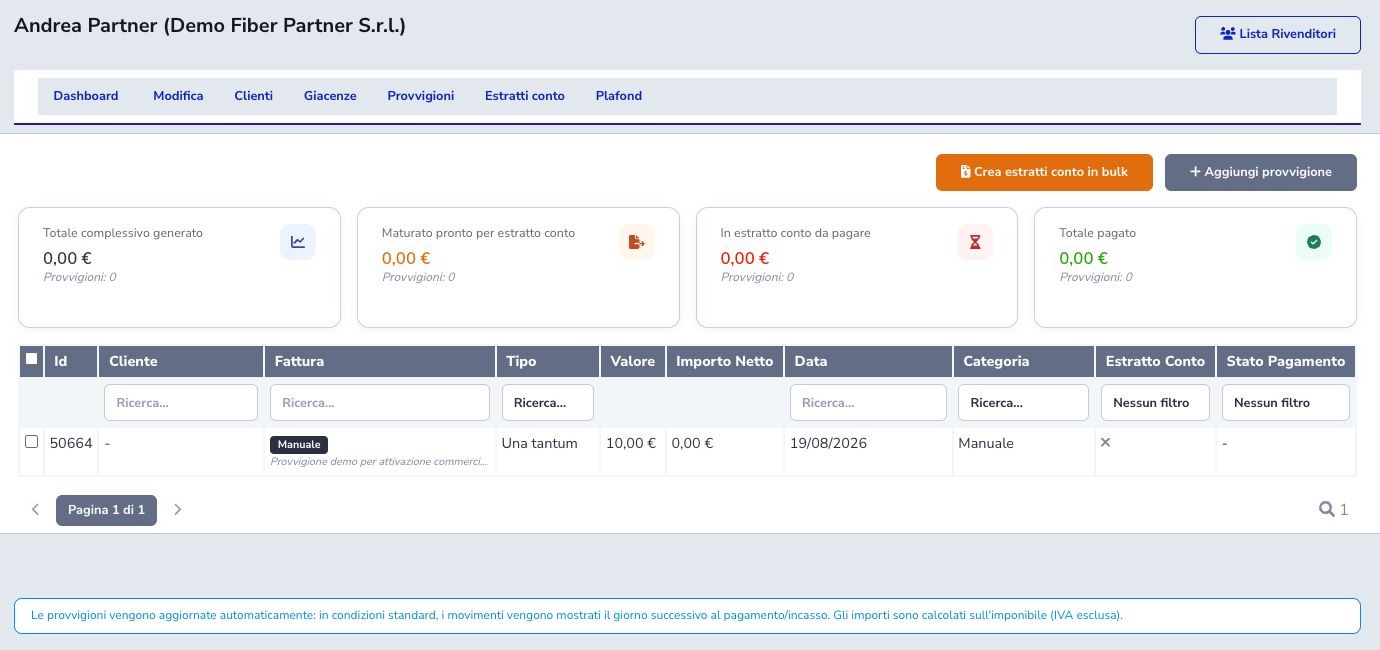
Percentage commissions use the VAT-exclusive base. Automatic computation normally follows payment or collection and may run the next day.
Exclusive and non-exclusive customers
Administration distinguishes customers assigned exclusively to one reseller from non-exclusive relationships and shows a count for both views. To keep rows compact, the Services column summarizes the number of services in each operational state. Open details leads to the complete customer sheet with a paginated service list, state, billing cycle, effective commission rule, an estimate based on the current configuration, and the amount already accrued.
An exclusive customer includes services assigned to the same reseller and unassigned instances that inherit the customer’s reseller; a service explicitly assigned to another partner remains excluded. A non-exclusive customer lists only instances explicitly assigned to the reseller currently open. The estimate is not the accrued amount: accrued values come from commission movements actually recorded.
The assignment controls portal visibility and can affect access to invoices, services, contracts, and payment actions. Verify commercial ownership before changing exclusivity. Removing an assignment hides future portal access but does not erase historical contracts, documents, payments, or commissions.

Stock and linked warehouse sites
Reseller stock visibility is limited to Warehouse sites linked in the reseller configuration. A separate exposure control determines whether an eligible stock row appears in the portal.
No linked site means that the reseller has no visible stock scope; it does not mean that the ISP warehouse is empty. Verify site, article, serial, real availability, and portal-visibility setting before promising equipment.

How commissions are generated
Commission sources include recurring services, products, generic invoices, voice traffic, billable items, and supported manual entries. Values may be a percentage of the VAT-exclusive base or a fixed amount.
Specific service or product rules take precedence, followed by customer-specific rules and finally reseller defaults. Automatic calculation normally follows the configured payment or accrual event and may be produced by a scheduled process. Reconcile source document, base, rate, and period.
Record a manual commission
Use a manual commission only for a justified case not already generated by an automatic rule. Select the reseller, source type or reference, amount or rate, competence date, and a note that explains authorization and calculation.
Search existing pending and consolidated entries first to prevent duplication. After saving, verify state, amount, reseller, source, and eligibility for the next statement.
Statements and movement selection
Create a statement from selected matured pending commissions or the supported complete eligible set. Check competence period, source documents, taxable bases, rates, fixed amounts, corrections, and total before confirmation.
Statement creation consolidates those movements so they are not selected again. Open and review the numbered statement and PDF, and correct source errors through the supported process rather than creating an offsetting duplicate without explanation.
Record statement payment
Mark a statement Paid only after the real reseller payment has occurred. Record payment date, traceable reference, account or channel where required, and an operational note.
Then reconcile statement total, internal paid state, financial movement, and reseller portal. The PDF and original movement list remain available as history; payment status must not be advanced merely because the statement was generated.

Credit balance
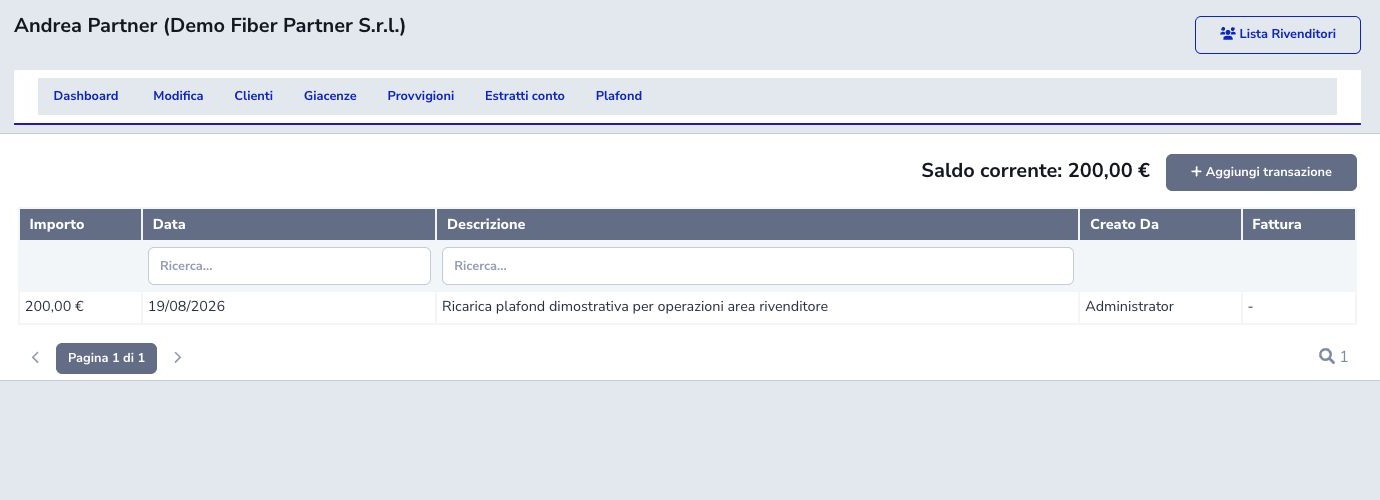
Credit balance is separate from commission accrual. Positive transactions increase spending capacity; authorized customer-invoice payments reduce it. Administration may optionally create a linked draft invoice when adding a transaction.
Classify the source as payment, correction, or document-backed credit before posting. Afterwards compare the administration balance, portal ledger, and any generated draft. Every correction needs an authorized reason.
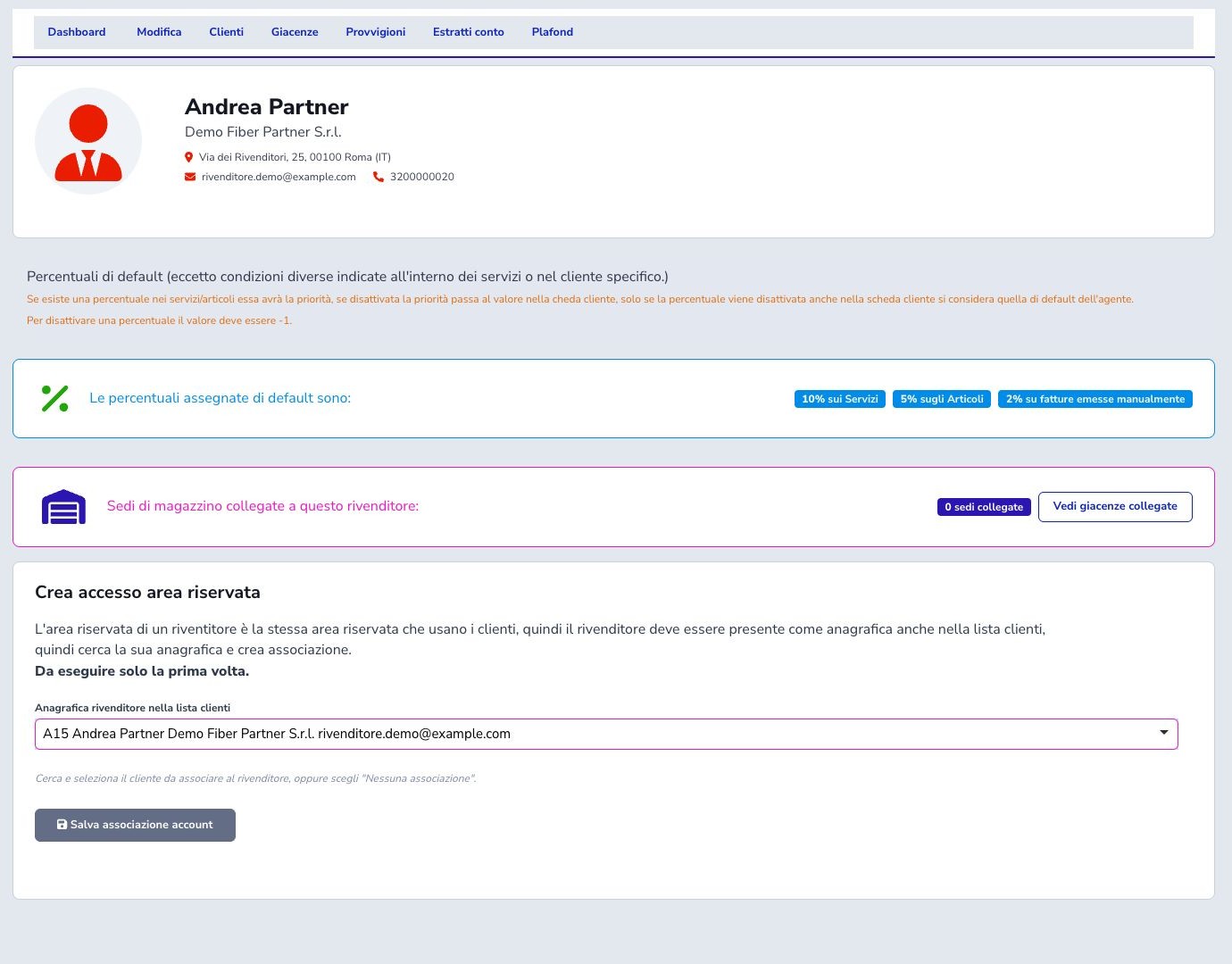
CRM association and sign-in
Create or identify the CRM customer representing the reseller, link it on the reseller Dashboard, and maintain its primary and shared Customer Area accounts. This authentication record is not automatically one of the reseller’s downstream customers.
After sign-in, confirm that the dedicated Reseller item appears and that only explicitly assigned customers and allowed operations are visible.

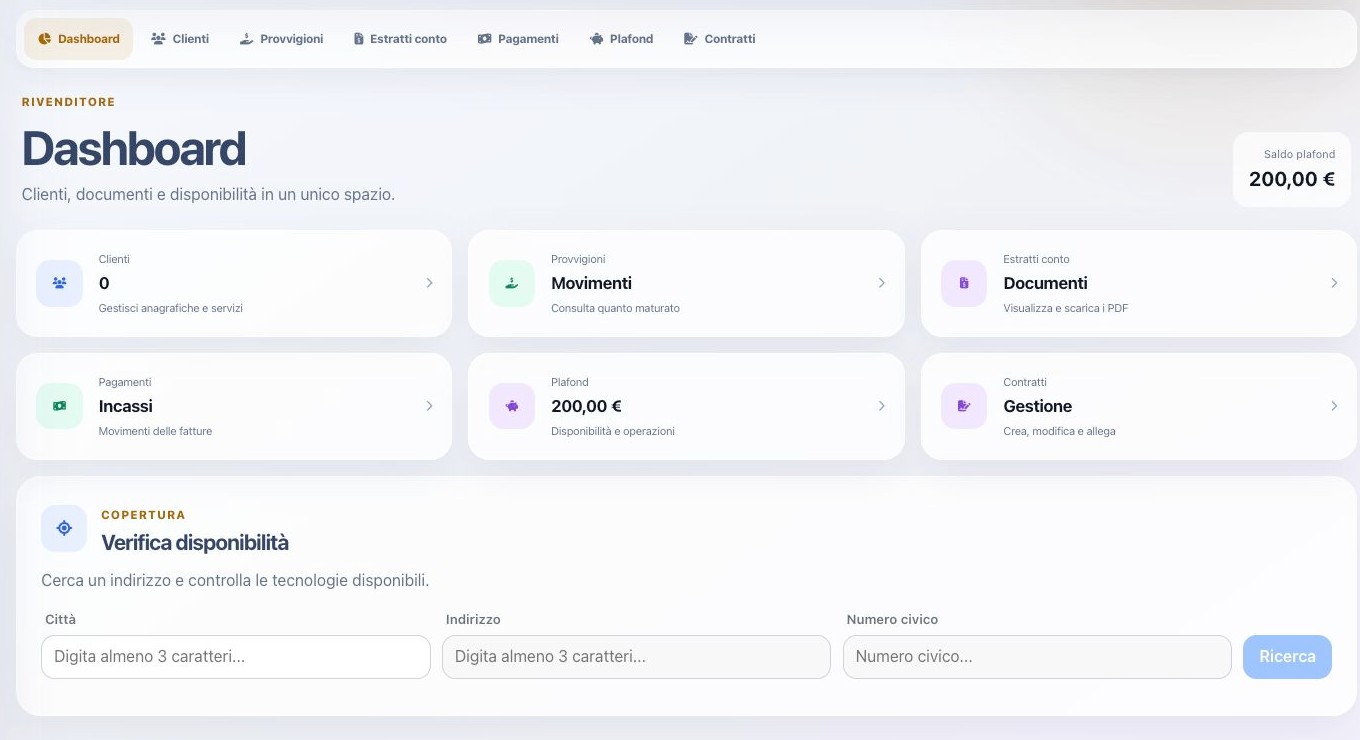
Reseller portal dashboard
The authenticated reseller dashboard exposes assigned Customers, Commissions, Statements, Payments, Credit balance, Contracts, and address coverage according to permissions. Summary counters and available balance are starting points, not substitutes for the underlying lists.
Verify the reseller identity shown in the session before creating contracts or paying customer documents. Empty counters can reflect date, assignment, or state filters rather than missing data.
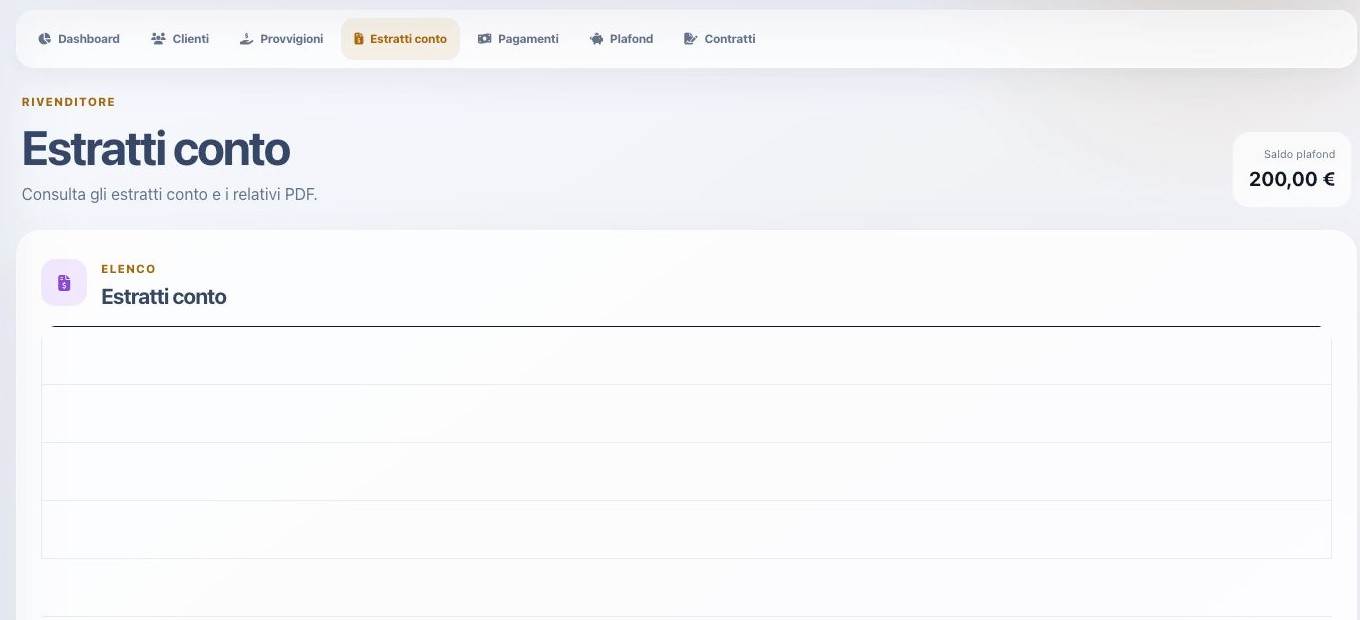
Portal commissions, statements, and payments
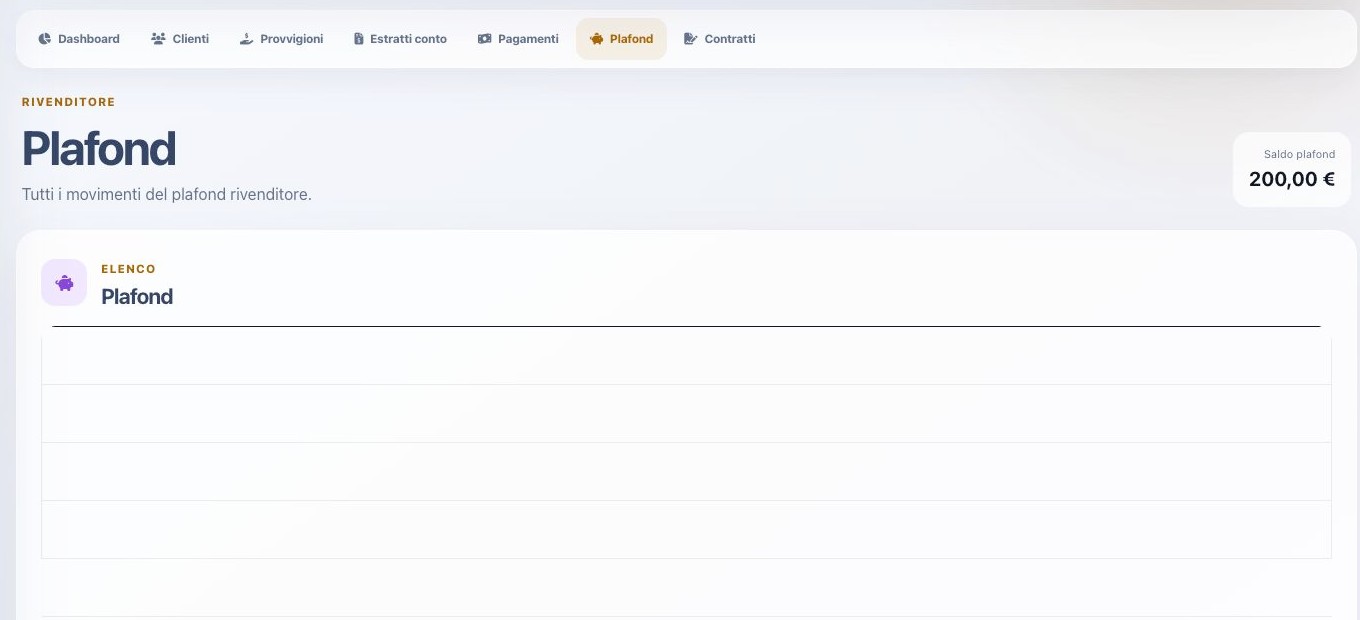
Commissions contains eligible or pending earnings; Statements contains numbered consolidated documents and PDF actions; Payments lists collections recorded for assigned-customer invoices. These are three distinct business objects.
Use each list’s own date, customer, and state filters. A commission does not become a statement until consolidation, and a customer payment is not a payment of the reseller’s commission statement.
Assigned-customer access
Customer pages expose only records explicitly assigned to the reseller. Administration must link the partner, customer, and intended relationship before the customer becomes part of the portal scope.
An authorized page combines services, invoices, invoice PDFs, payment methods, and card setup. When Ticket has at least one department published in the Customer Area, Request support also lets the reseller open a request on behalf of that customer. The form identifies the represented customer and offers only services and products inside the authorized scope.
After submission, the customer page highlights an active ticket first or, when none is active, the latest closed ticket and its closure date. The reference opens the response history and the list of tickets created by that reseller for the customer. Access is strictly read-only: the reseller cannot reply, add notes, change state, or close a ticket. ISP administration also identifies which reseller opened it.
Confirm commercial ownership and document, payment, and support permissions before granting access.
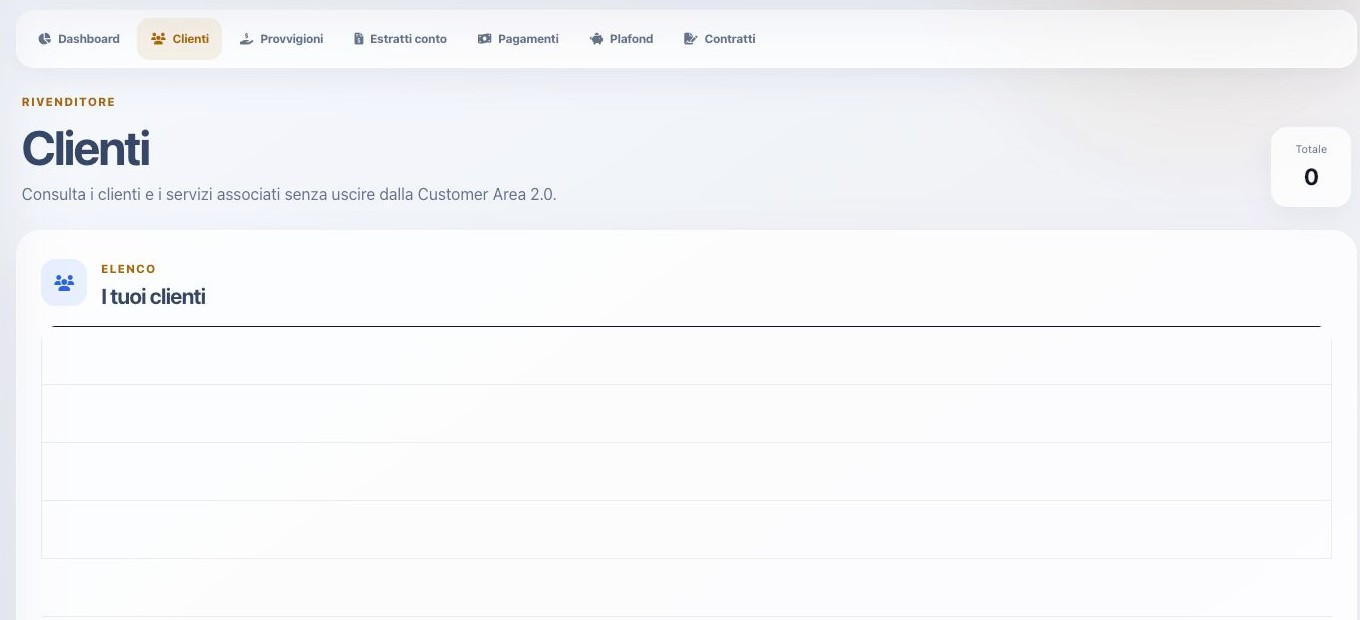
Create a contract: search and identity
The first stages search for a customer by tax identifier and compare possible CRM matches. If no match exists, the supported flow can prepare a new record and perform company lookup while keeping duplicate controls visible.
Review legal name, tax data, billing contact, installation identity, addresses, and reseller assignment before continuing. Never create a second customer merely to complete a contract when the real record already exists.
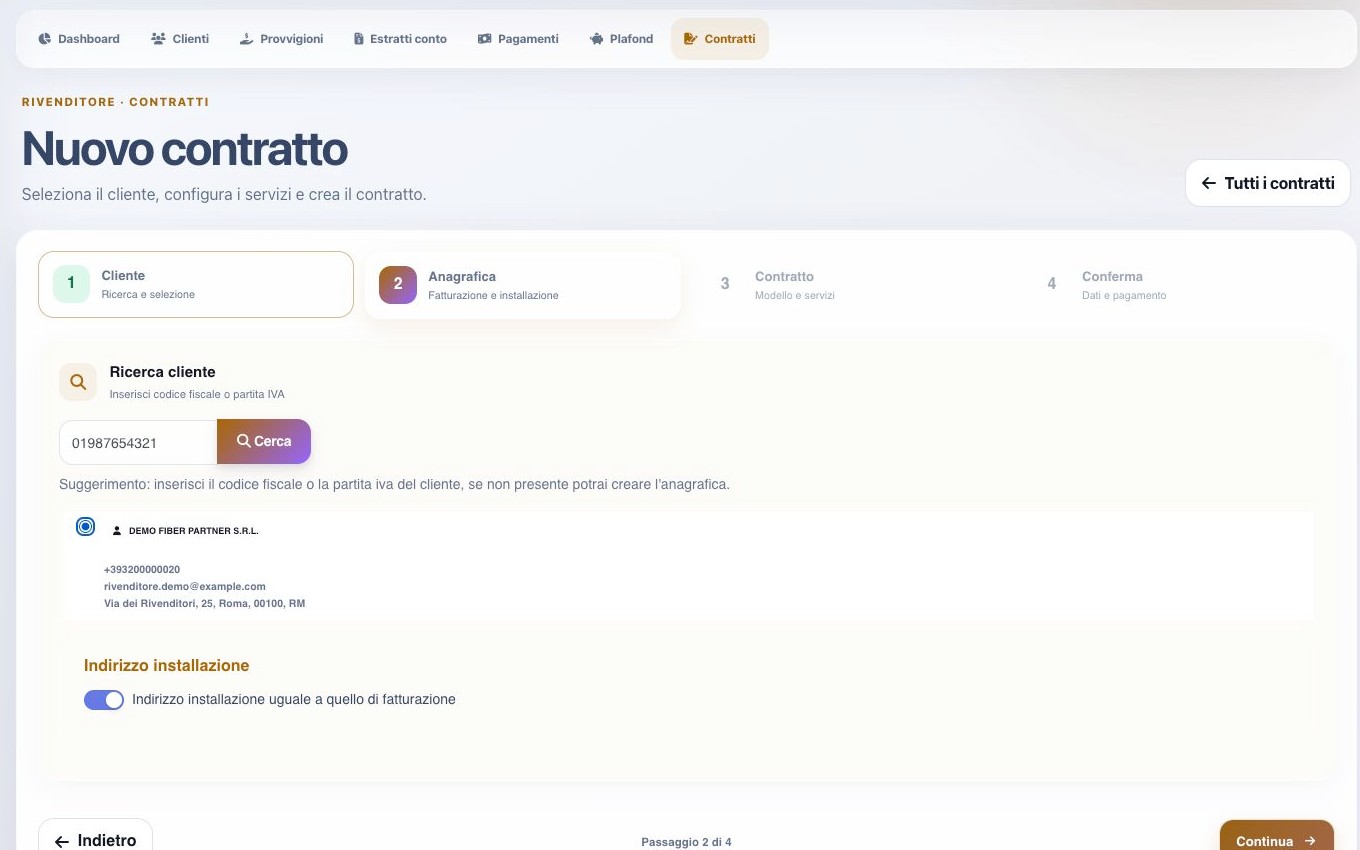
Create a contract: template, services, and confirmation
Select the applicable contract template and services. Choose a configured billing cycle for every recurring or rechargeable service and complete required additional data. If price editing is allowed, compare the proposed net value with the price list and commercial limits.
Before confirmation, review customer, installation address, template, services, cycles, prices, payment method, attachments, and contractual notices. After saving, verify contract code, approval state, created service references, and available actions.
Contract files and payment method
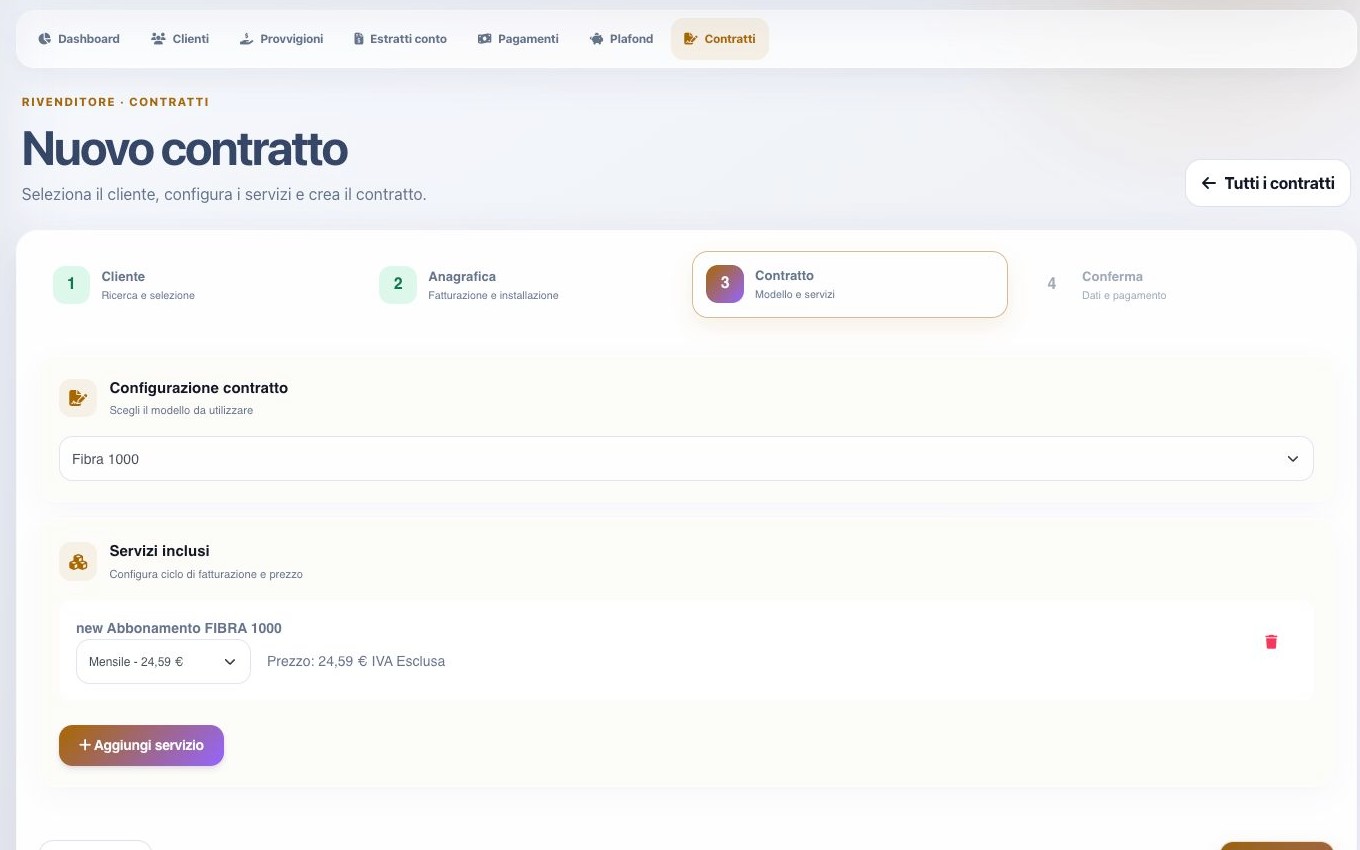
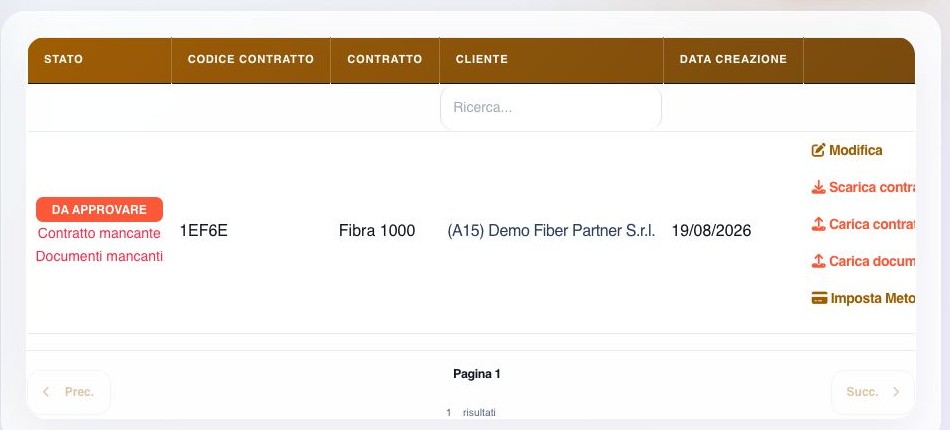
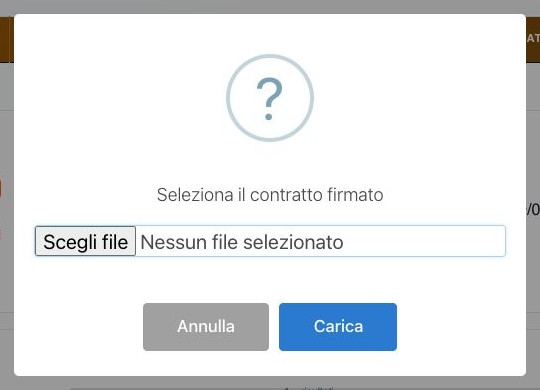
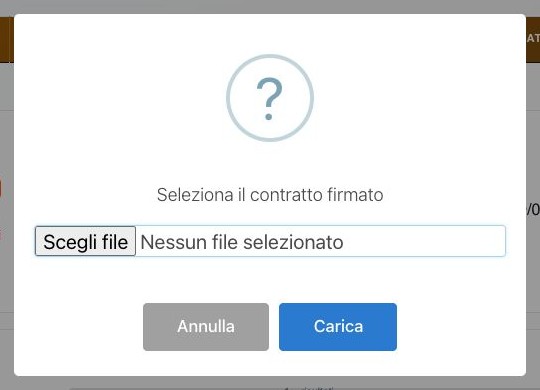
Actions cover edit, generated-PDF download, signed-contract upload, additional-document upload, attachment removal, and payment-method assignment. Generated PDF, signed file, and supporting documents are separate artifacts; verify file name, type, readability, and target contract for each upload.
Available payment methods depend on template and customer setup. If no usable option is offered, complete that configuration first instead of storing an inappropriate value. Removing a supporting attachment does not replace or remove the signed contract.

Contract maintenance
Edit uses three stages: template and services, additional/payment data, and review. Depending on the process, it can change template, add or remove services, select cycles, and update required custom data.
Before saving, compare the new configuration with the generated or signed contract, attachments, payment method, and any service instances already created. A change must not leave PDF, services, price, or effective dates inconsistent. Reopen the final summary after confirmation.


Rechargeable services and customer payments
The reseller can inspect an assigned customer’s eligible service, create a recharge invoice, cancel it while still permitted, pay a document through an external gateway, or use reseller credit when authorized.
A provider return or success page is not final proof. Verify the recorded payment, invoice balance and state, gateway reference or credit movement, remaining reseller balance, and resulting rechargeable-service period.
Exports, automation, and maintenance
Administration provides commission recomputation, pending summaries, bulk statement creation, reseller exports, generated-file listing, and scheduled commission calculation. Run recomputation only for a defined period and source set after checking whether automatic entries already exist.
Monitor scheduler timestamps, locks, counts, errors, and resulting commissions. Protect exported customer and financial data, download temporary files within their availability period, and retain them according to policy.
Operational checklist
- Validate reseller identity
- Grant minimum permissions
- Define fee precedence
- Separate authentication customer and downstream customers
- Link warehouse sites deliberately
- Reconcile automatic and manual fees
- Consolidate only matured entries
- Record statement payment evidence
- Keep credit and commissions separate
- Review customer authorization
- Verify the represented customer before requesting support
- Check template, service, cycle, and price
- Separate PDF, signature, and attachments
- Verify all payment side effects
- Review exports and scheduled jobs