 Download the APP
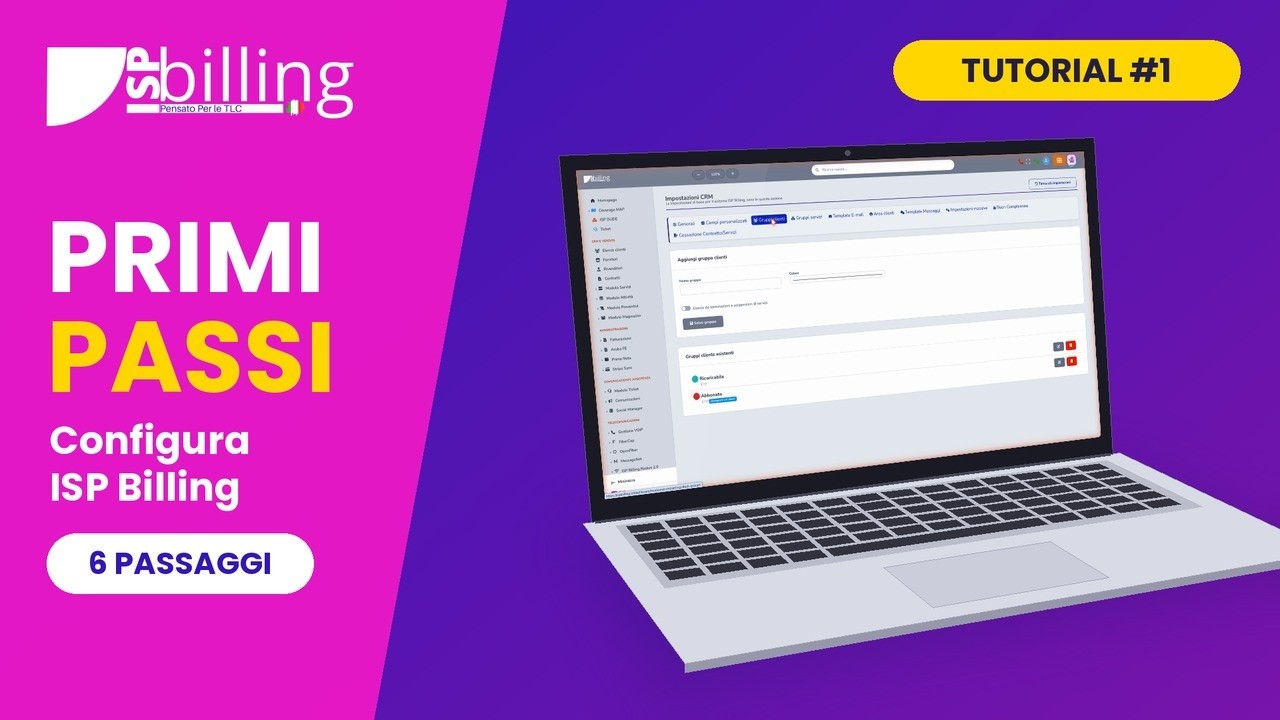
First steps: set up your ISP in 6 steps
The initial setup: email, notification channels, groups, message templates, logo and tax details.
Watch on YouTube
The ISP management platform built by people with over 15 years of ISP experience.

Short, practical lessons that show how to set up the platform and use it every day. Watch them here or on our YouTube channel.
The videos are in Italian.
Start from the first one to set up your ISP, then follow the order or jump straight to the topic you need.
The initial setup: email, notification channels, groups, message templates, logo and tax details.
Watch on YouTube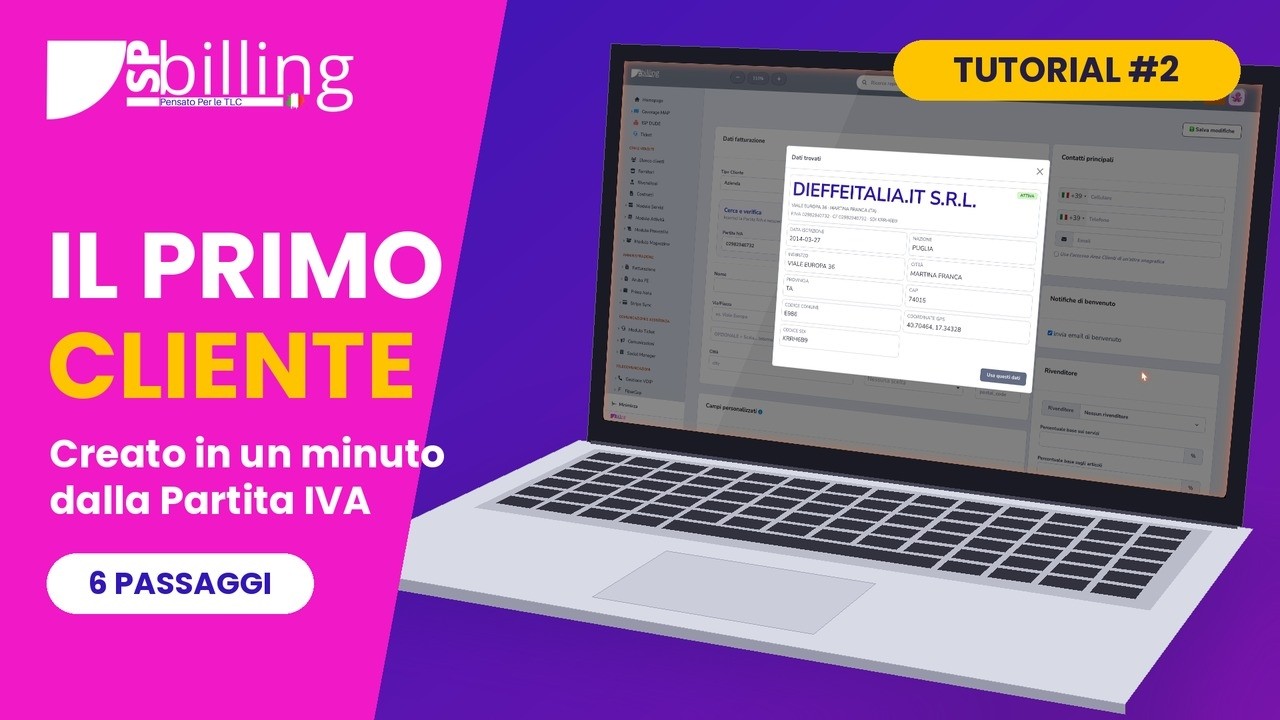
How to create a customer from the VAT number, with the company details already filled in.
Watch on YouTube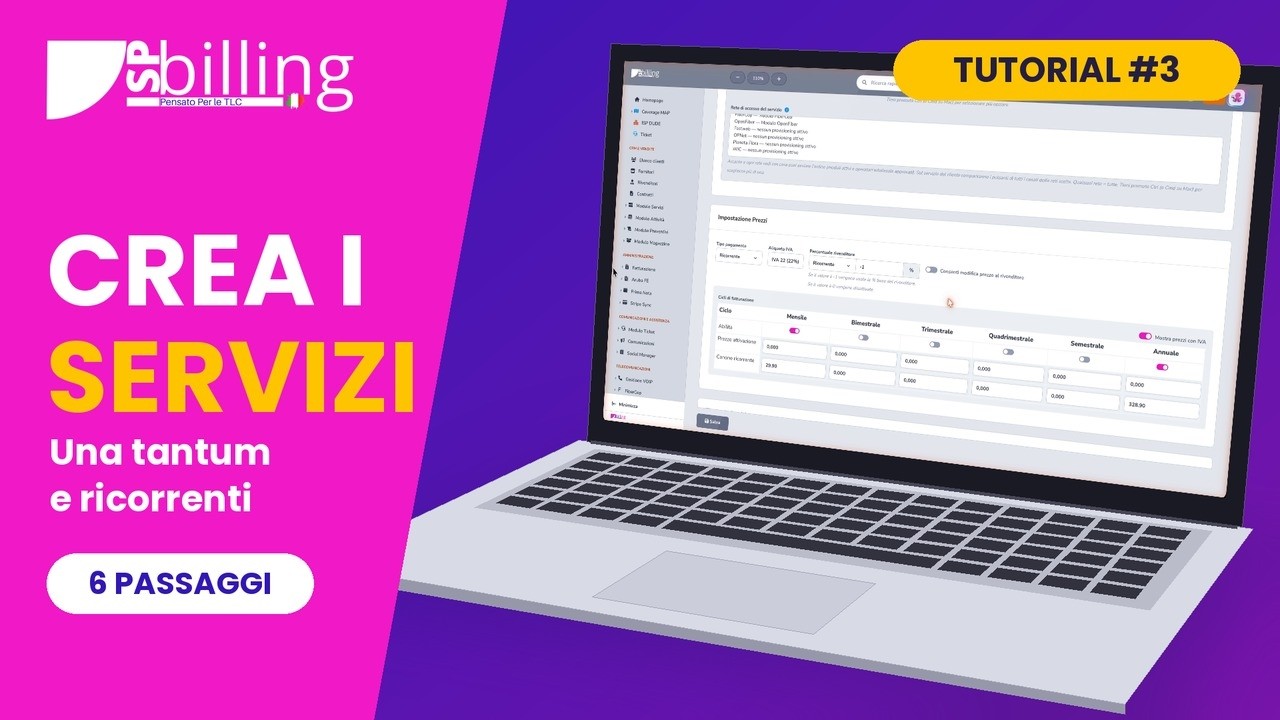
How to build your service price list, separating one-off costs from recurring ones.
Watch on YouTube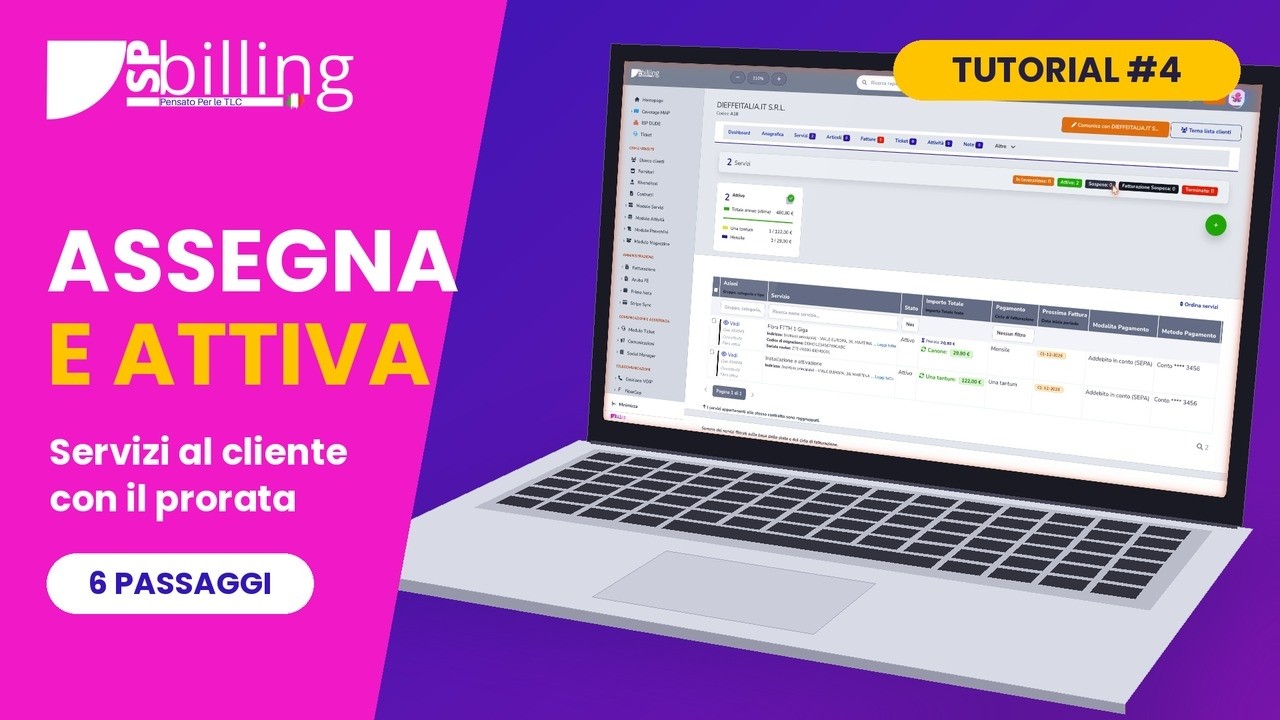
How to assign a service to a customer and activate it, with first-period proration.
Watch on YouTube
Billing rules, document numbering, the PDF layout and the messages sent to customers.
Watch on YouTube
From draft to issued invoice: review, customer PDF and electronic XML file.
Watch on YouTube
How to manage Messagenet VoIP numbers and services directly from the customer page.
Watch on YouTube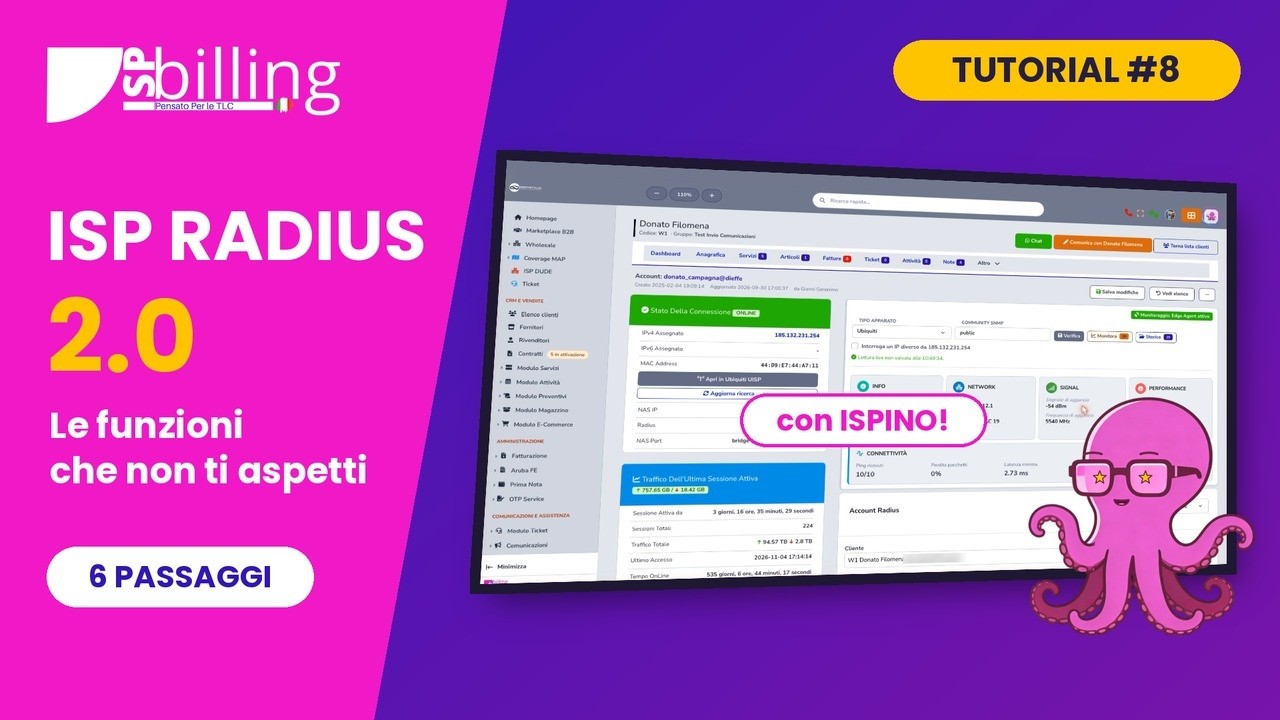
The dashboard, customer accounts, suspensions and profiles, sessions and investigations with ISP Radius 2.0.
Watch on YouTube
How to prepare a quote, send it to the customer and turn it into a contract.
Watch on YouTube
Provider, bank transfer, payment slip, card, SEPA direct debit and a custom method, and how customers see them.
Watch on YouTube
Locations and vans, serialized items, supplier stock-in, sale and loan to customers, documents.
Watch on YouTube
Teams and activity types, calendar, work report with warehouse materials, and tasks.
Watch on YouTubeAn overview of what ISP Billing does and of the modules that solve specific needs.

The general presentation of the platform: what it does and how it helps an ISP’s daily work.
Watch on YouTube
The NIS2 Compliance module: asset inventory, risks, continuity, incidents and suppliers.
Watch on YouTubeThe documentation explains every module with procedures, settings and screenshots. Subscribe to the channel so you do not miss new tutorials.